Windows 64-bit
GloryDesk_Setup_v1.0.1_Windows.exe
Includes .NET runtime and Visual C++ redistributable.
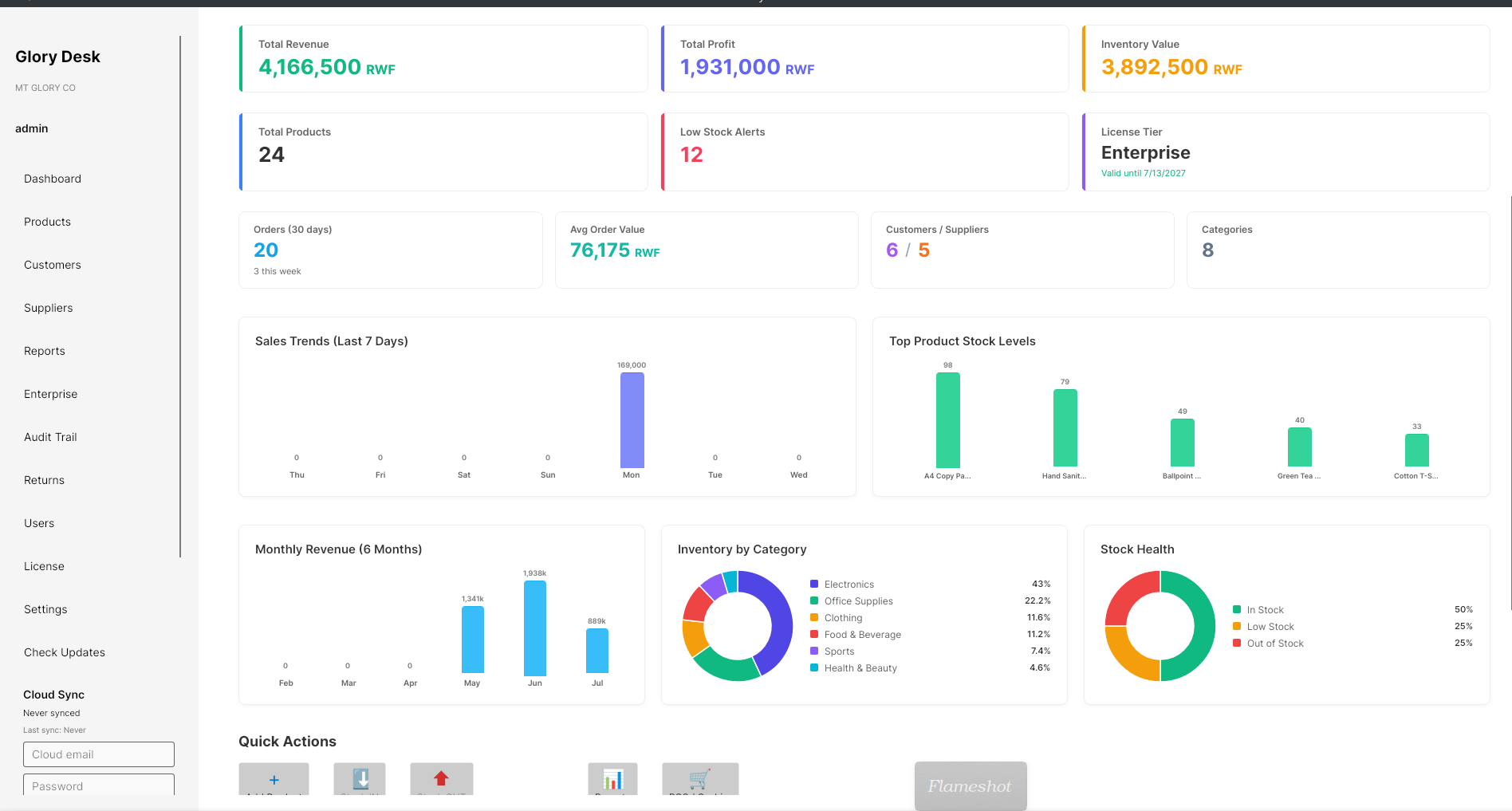
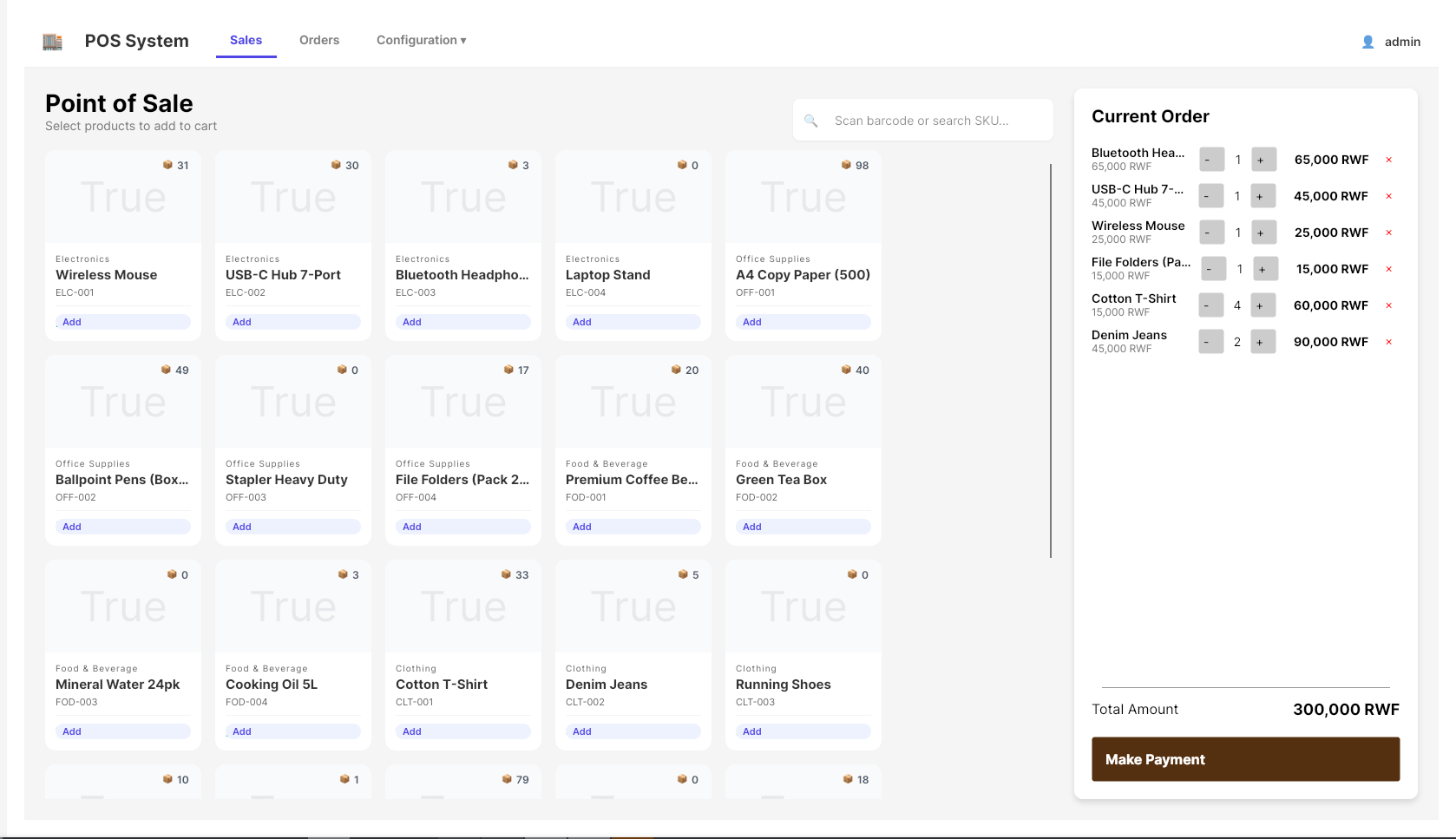
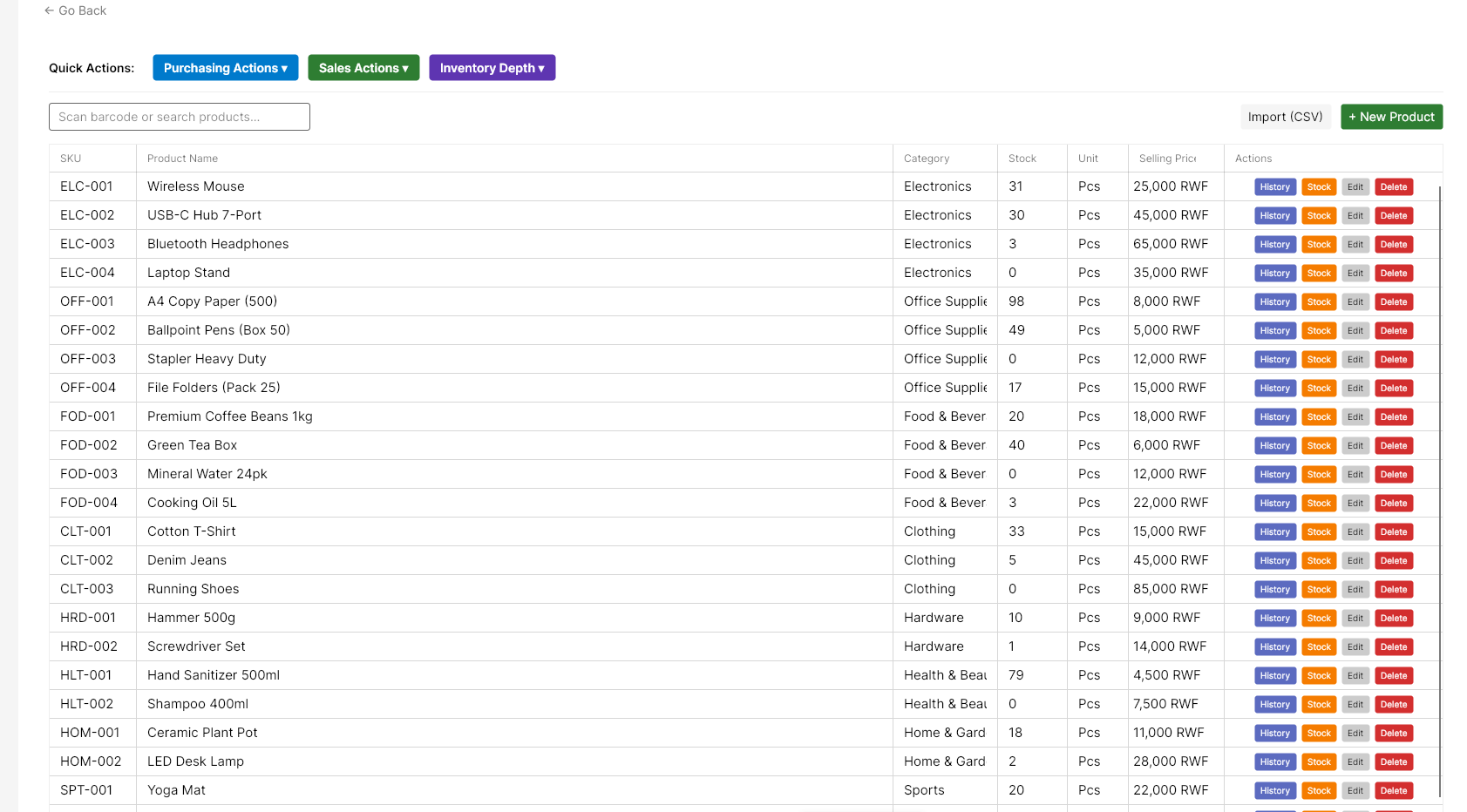
System requirements
- Windows 10 or Windows 11 (64-bit)
- 4 GB RAM minimum (8 GB recommended)
- 500 MB free disk space
- 1280×720 display minimum
After installation
- Open Glory Desk from the Start menu.
- Go to License and copy your Hardware ID.
- Request or activate your license tier.
- Sign in and change the default password (
admin/admin123).
Enterprise deployments: Contact support@mtglory.com for volume licensing, hardware transfer, and on-site setup in Rwanda.